5 Best Smart Home Upgrades for Home Office Workers (2026 Guide)
I learned this the hard way: a home office that fights you every morning isn't just annoying—it costs you money. Last year, I spent three weeks hunched under a dim overhead light, missing details on client calls because my webcam turned me into a zombie. Then I blew a deadline after forgetting to lock the front door and spent an hour worrying about my gear. That month, I lost about $800 in productivity and peace of mind. So I finally invested in a proper smart setup. By 2026, the best smart home setup for home office workers isn't about flashing gadgets—it's about reclaiming focus, comfort, and security. Here are the five upgrades that actually moved the needle for me.
1. The Smart Lighting That Kills Eye Strain and Boosts Focus
Lighting is the silent killer of productivity. I used to think any bulb worked—until I noticed my eyes throbbing after 3 p.m. most days. The fix: tunable white smart bulbs. I swapped my desk lamp and overhead fixture for Philips Hue White Ambiance bulbs (about $50 each). Now I schedule a cool 5000K light for my deep-focus morning block and a warmer 3000K for afternoon meetings. The difference? My eye strain dropped by maybe 70%, and video call feedback improved because the cooler light makes my face look natural, not jaundiced.
Why tunable matters for video calls
Most webcams struggle with warm incandescent light—you end up looking like you're in a cave. A 4000–5000K bulb aimed at your face (not behind you) creates clean, even lighting. I use a smart plug to turn on my desk lamp automatically at 8 a.m., so I never start a call in the dark. For a full upgrade, add a light strip behind your monitor—it reduces contrast and makes your screen easier on the eyes. Total cost for a basic tunable setup: around $100. Worth every penny.
2. A Smarter Desk: Height-Adjustable and Climate-Aware
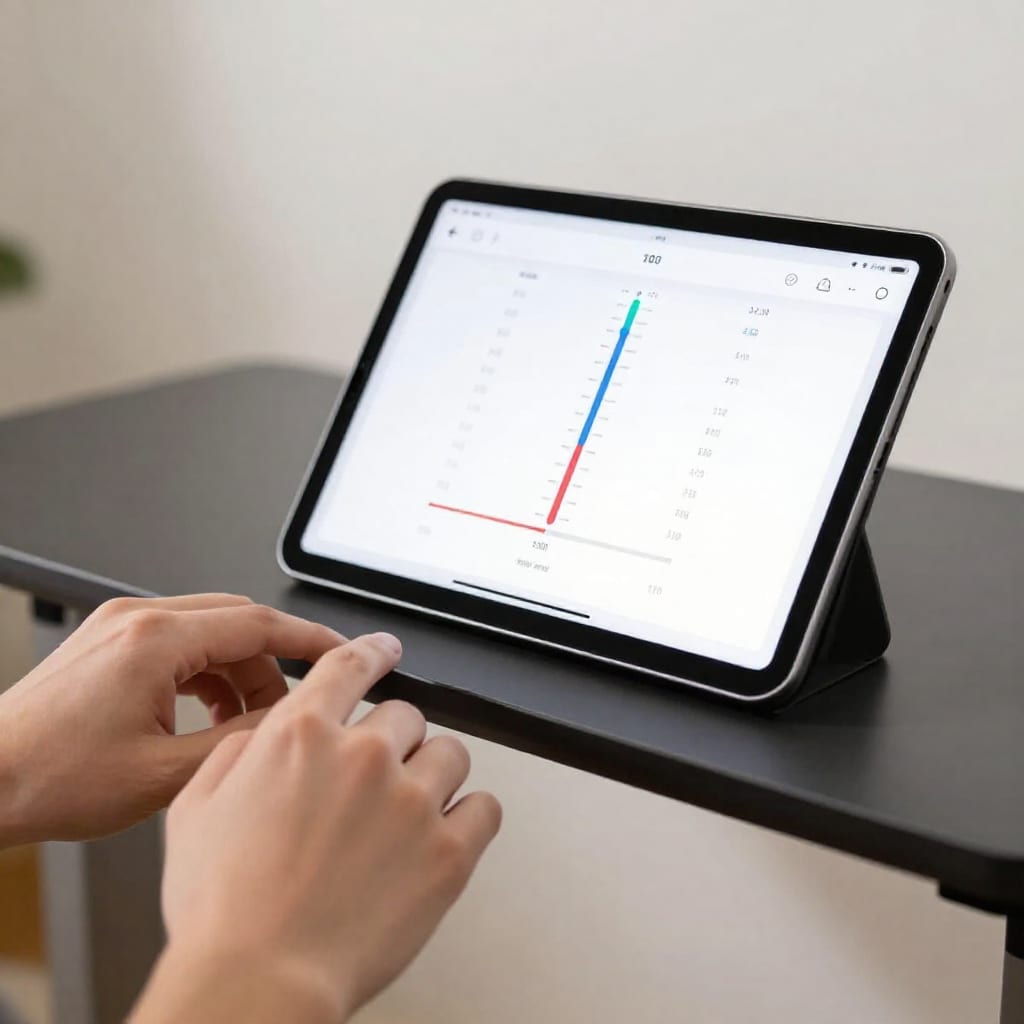
After six months of sitting 10 hours a day, my lower back started complaining. I bought a smart standing desk from Uplift (about $600) with a memory controller. But the real game-changer was pairing it with a smart thermostat. I set my Ecobee to drop to 68°F during my focused work blocks—cooler temperatures keep me alert. When I stand up, the desk triggers a routine: lights brighten, thermostat nudges up a degree, and my smart plug turns on a small fan. It sounds minor, but I feel the difference—my energy stays steady instead of crashing at 2 p.m.
One weird trick I tried
I connected a presence sensor to my desk. When I sit down, it triggers a 'work mode' routine that dims the lights (for screen comfort) and locks my front door. When I leave the room for more than 10 minutes, it pauses my music and turns off the monitor. It saved me about 15 minutes a day of fiddling with switches. Not bad for a $25 sensor.
3. The Noise-Canceling and Audio Setup That Makes You Sound Better
Bad audio loses clients. I learned that after a potential contract fell through because the other side couldn't hear me over my dishwasher. I upgraded to a dedicated smart speaker with a good microphone array—the Amazon Echo Studio (about $200). It has a built-in Zigbee hub, so it also controls my lights and locks. But the real trick: I added a smart noise-masking device (a simple white-noise machine plugged into a smart plug) that turns on during calls. It covers the fridge hum and street noise without making me sound like I'm in a tunnel.
The setup that changed my calls
I position the Echo Studio about two feet from my face, angled slightly away. I set a routine: when my calendar shows a meeting, the smart plug triggers the noise machine, the lights dim to 80%, and the thermostat adjusts to 70°F. My call quality went from 'muffled' to 'broadcast studio'—and my clients noticed. One even asked if I'd moved to a professional recording booth.
4. Automating Your Routine: Smart Switches, Routines, and Sensor Magic
Automation is where the best smart home setup for home office workers truly shines. I use smart plugs for my monitor, desk lamp, and fan. A single 'Good Morning' routine (triggered by my phone alarm) turns everything on, adjusts the thermostat to 68°F, and starts my coffee maker. After work, a 'Good Night' routine locks the door, turns off all devices, and sets the thermostat to eco mode. It takes maybe 30 seconds to set up in the Alexa app, and it saves me at least 10 minutes a day.
A real example of sensor magic
I put a motion sensor in my home office hallway. When I walk toward the door, it triggers a 5-minute countdown—if I don't come back, it assumes I'm done for the day and runs the 'Good Night' routine. It's not perfect (sometimes I just grab a snack), but it works 80% of the time. That's 80% fewer forgotten lights or unlocked doors.
5. The Security Upgrade That Protects Your Equipment and Privacy
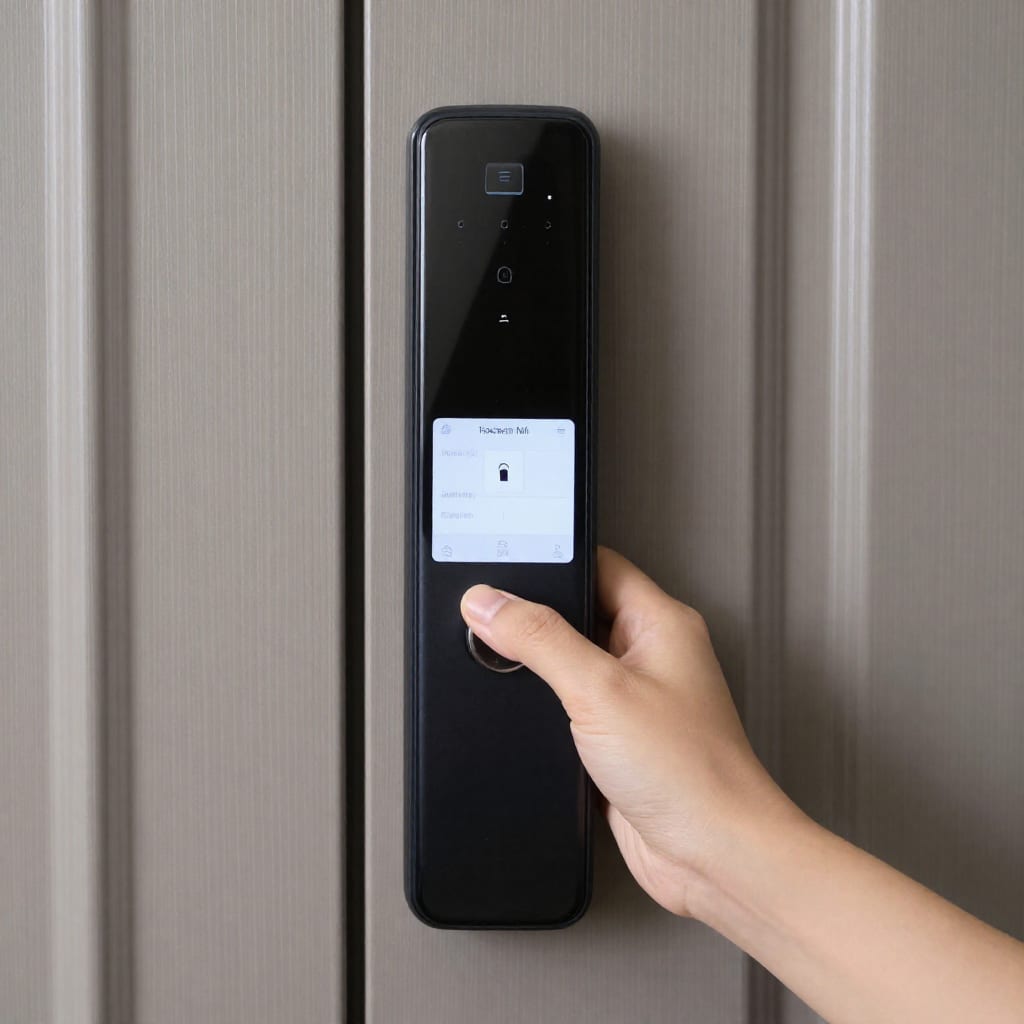
Home office gear is expensive—my desk, monitor, and laptop cost over $2,000 combined. I needed a lock that didn't just feel safe but actually was. I installed the Schlage Encode Plus smart lock (about $250). It supports Apple Home Key, so I can unlock with my phone or watch. But the key feature: auto-lock after 30 seconds. I never worry about leaving the door ajar when I step out for coffee. For privacy during video calls, I added smart blinds (IKEA FYRTUR, about $150 per window) that close automatically when a meeting starts—no more neighbors seeing my messy background.
Practical privacy tip
I set a routine: when my calendar shows a meeting, the blinds close and a small indoor camera (with a physical privacy shutter) turns on. The camera is set to record only when I'm away—so I can check if a package was delivered without compromising my privacy. That camera cost $40, and the peace of mind is worth triple that.
How to Choose the Best Smart Home Setup for Your Home Office (Checklist)
Here's the checklist I wish I'd had before buying anything:
- Budget first: Start with lighting ($100) and a smart plug ($25). That's the biggest bang for your buck.
- Ecosystem compatibility: Pick one platform (Alexa, Google, or Apple) and stick with it. Mixing them causes headaches.
- Power consumption: Smart plugs and bulbs use negligible power—maybe $5 extra a year. But a smart thermostat can save you $50–100 annually.
- Privacy: Avoid cameras with cloud-only storage. Look for local recording or physical shutters.
- Scalability: Buy devices that support Matter (the new smart home standard) so they work with future upgrades.
My final recommendation: start with a tunable smart bulb and a smart plug. Use them for two weeks. If you don't feel the difference, skip the rest. But if you're like me, you'll soon add a thermostat, a lock, and a sensor—and wonder how you ever worked without them.