15 Best Alexa Commands for Home Automation Power Users (2026)
I’ve been running a smart home for over five years now, and I’ll be honest: for the first couple of years, I barely scratched the surface of what Alexa could do. I’d say “turn off the kitchen lights” or “set a timer for 10 minutes,” and that was about it. Then, during a particularly chaotic week last winter, I decided to finally dig into the advanced stuff. I spent hours tinkering—breaking things, fixing them, discovering workarounds. What I found is that the best Alexa commands for home automation power users aren’t just about saying the right words; they’re about building a system that anticipates your needs. Below are 15 commands (grouped into four power-user categories) that transformed my home from a collection of gadgets into something that genuinely helps me.
1. Mastering the Advanced Routine: 4 Commands That Go Beyond Basics
Most people know how to create a simple routine like “Alexa, good morning” that turns on lights and reads the news. But power users stack triggers and conditions. Here are four commands that changed my workflow:
- “Alexa, I’m leaving” – This triggers a routine that checks whether any doors or windows are open (via contact sensors), then arms the security system, turns off all lights, sets the thermostat to eco mode, and sends a notification to my phone if it’s after 10 PM. The trick is using the “When this happens” > “Smart Home” > “Contact sensor is open” as a condition.
- “Alexa, movie time” – A routine that dims the living room lights to 20%, closes the blinds, turns on the TV (via a smart plug or IR blaster), and sets the soundbar to “Movie” mode. I added a wait action of 10 seconds so the TV powers on before the audio switches.
- “Alexa, start cleaning” – This runs only if nobody is home. I use a location condition (“when you are away”) so the robot vacuum doesn’t annoy anyone. It also locks the front door and disables the dog’s water fountain.
- “Alexa, bedtime” – A conditional routine: if the front door is locked, it turns off all lights except the hallway nightlight, adjusts the thermostat to 68°F, and plays white noise for 30 minutes. If the door isn’t locked, Alexa says “Front door still open” and waits for confirmation.
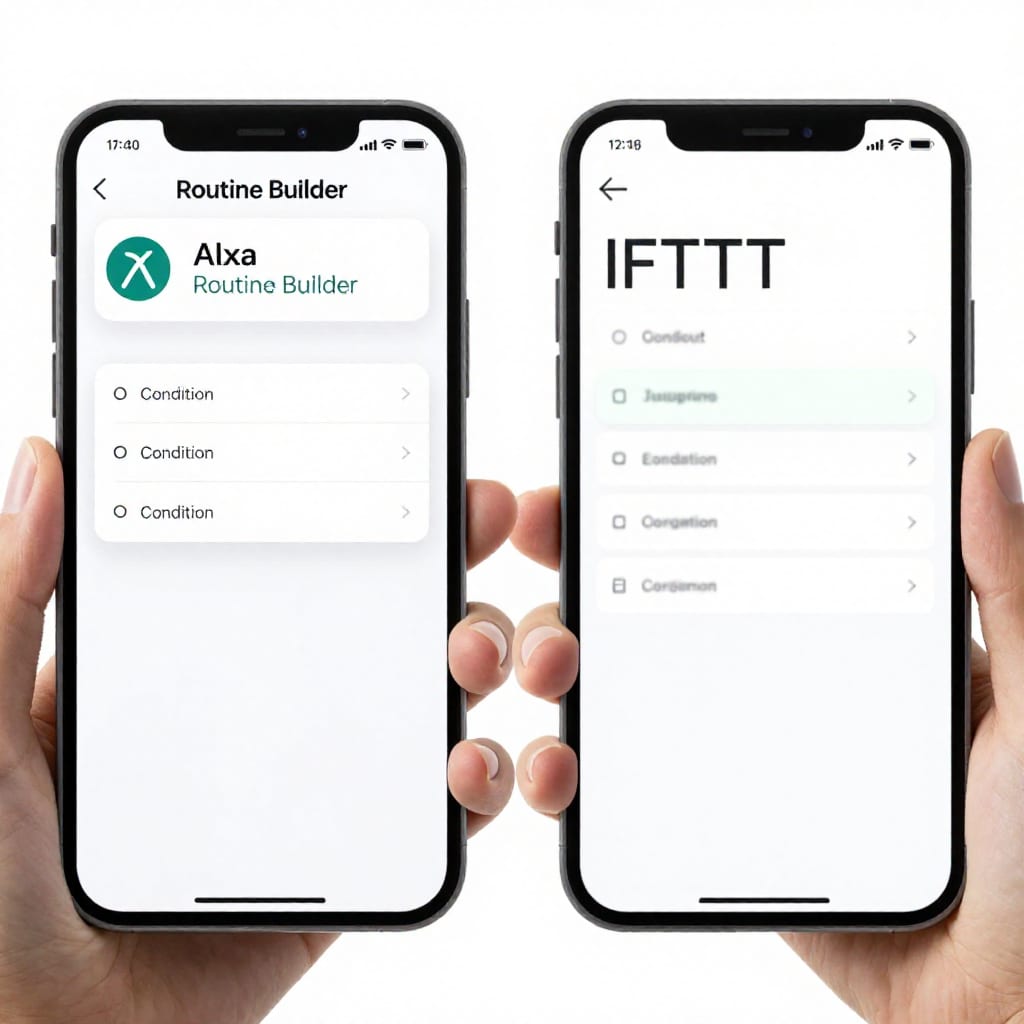
The key insight? Don’t just trigger actions—add checks. Use “Condition” in the routine builder to make sure things happen only when it makes sense. I wasted weeks with routines that ran at the wrong time until I added conditions like “when temperature is below 70°F” or “when a sensor detects motion.”
2. Custom Voice Profiles & Household Commands: 3 Commands for Family Control
Voice profiles are underrated. Once you set them up in the Alexa app (Settings > Your Profile > Voice), each person gets their own experience. Here are three commands that became household staples:
- “Alexa, what’s my schedule?” – Each family member hears their own calendar events. My wife’s profile shows her work meetings; mine shows my son’s soccer practice. No more shouting over each other.
- “Alexa, set the thermostat to my preference” – I programmed a routine that reads the voice profile and adjusts temperature accordingly. My wife likes 72°F; I prefer 68°F. When she says it, the thermostat changes to 72°F. When I say it, it goes to 68°F. This required a custom routine that checks the “Voice Profile” trigger.
- “Alexa, lock the house” – This command only works if the speaker recognizes an adult voice profile. I added a condition: “Voice profile is [my name] or [my wife’s name].” If my kid tries it, Alexa says “Sorry, I can’t do that.” It’s a simple but effective safety layer.
One thing that tripped me up: voice profiles aren’t perfect in noisy environments. If there’s a TV blaring, Alexa sometimes misidentifies who’s speaking. I fixed this by placing an Echo Dot near the kitchen (quieter area) for sensitive commands.
3. Scene Sequencing & Device Group Magic: 4 Commands for Seamless Zones
Device groups let you control multiple devices as one. But the real power is sequencing scenes within a group. Here’s what I use daily:
- “Alexa, turn off downstairs” – My “downstairs” group includes lights in the living room, kitchen, and hallway, plus the thermostat and a smart plug for the TV. One command powers everything down.
- “Alexa, dinner mode” – This scene sequence: kitchen lights go to 40%, dining table lights to 60%, overhead fan goes on low, and the Echo plays a jazz playlist. I set it to run after 6 PM only (using a time condition).
- “Alexa, reading nook” – A group called “reading nook” includes a floor lamp, a smart plug for the e-reader charger, and a small space heater. When I say it, the lamp turns on at 80%, the charger activates, and the heater sets to 72°F—but only if the temperature is below 70°F.
- “Alexa, party lights” – This cycles through color scenes on my smart bulbs (Philips Hue) in the living room group. I added a 2-second wait between each color change for a smoother effect. It’s a hit at gatherings.
The trick with groups is naming them intuitively. I renamed my “Living Room” group to just “downstairs” because I say it more often. And don’t forget you can nest groups inside other groups (e.g., “downstairs” contains “kitchen” and “living room” sub-groups).
4. Pro-Tip Hacks: Timers, Sensors, and Third-Party Integrations: 4 Advanced Commands
This is where I felt like I unlocked a secret level. Here are four commands that rely on sensors, timers, and integrations:
- “Alexa, start laundry helper” – I have a routine triggered by a smart plug on the washing machine. When the plug detects the machine has stopped drawing power (via a “power usage drops below 5 watts” condition), Alexa says “Laundry is done” and flashes the kitchen lights. No more moldy clothes.
- “Alexa, goodnight with sensor check” – Before turning off all lights, this routine checks a motion sensor in the hallway. If motion is detected (meaning someone is still awake), it skips the bedroom lights off command. This stopped my wife from yelling at me when I accidentally plunged her into darkness.
- “Alexa, IFTTT sync” – I use IFTTT to trigger Alexa routines from external events. For example, when my phone’s weather app says “rain forecast tomorrow,” an IFTTT applet sends a notification to Alexa, which then runs a routine that sets my smart blinds to stay open (to let in daylight) but turns on the outdoor lights early. The command itself is just “Alexa, trigger IFTTT rain check,” but the backend is where the magic happens.
- “Alexa, start coffee timer” – This uses a timer command combined with a motion sensor. If I say it and no motion is detected in the kitchen within 5 minutes, Alexa sends a push notification to my phone saying “Did you forget the coffee?” It’s saved me from burnt pots more than once.
One honest caveat: third-party integrations like IFTTT can add latency. My “rain check” routine sometimes takes 30 seconds to trigger. I’ve learned to live with it for non-critical tasks, but for instant actions (like locking doors), I stick to native Alexa routines.
Frequently Asked Questions
- Can Alexa run routines without me saying anything? Yes, absolutely. You can set time-based triggers (e.g., every day at 7 AM), location triggers (when you arrive home), or sensor triggers (when a door opens). No voice needed.
- How do I create a routine that only runs when I'm home? In the Alexa app, go to Routines > When this happens > Smart Home > Location, then select “when you are home.” Combine it with actions to turn on lights or adjust temperature.
- What's the best command to turn off all lights with one phrase? Say “Alexa, goodnight” after setting up a routine that turns off all lights, adjusts the thermostat, and locks doors. Add a condition to check if anyone is still downstairs (via motion sensor) to avoid accidents.
- Can I use Alexa to control devices in different rooms at once? Yes, create a device group (e.g., “downstairs”) and say “Alexa, turn off downstairs lights.” The group can include devices from multiple rooms.
- How do I set up a motion-activated light with Alexa? You need a compatible motion sensor (like the Echo Motion Sensor). In the Alexa app, create a routine with the trigger “Sensor detects motion” and action “Turn on light.” Set a “turn off after 5 minutes” action to save energy.
Your Power-User Shortcut
If you take one thing from this article, let it be this: the best Alexa commands for home automation power users aren’t the ones you say out loud—they’re the ones you set up once and forget. Spend an afternoon building one conditional routine with a sensor or a voice profile. It’ll pay off every single day. Worth bookmarking before your next weekend project.