Best Smart Home Setup for Hobby Rooms & Craft Spaces (2026)
Last month, I spent three hours hand-painting a miniature bookshelf for a dollhouse, only to realize under my kitchen’s warm-yellow overhead light that I’d used the wrong shade of blue. The next morning, in daylight, the thing looked like a Smurf’s nightstand. That’s when I admitted my craft space needed a rethink—not just brighter bulbs, but a whole smart setup designed for the kind of precision work where color, heat, and clutter can ruin a week’s worth of effort. Here’s what I’ve learned building a hobby room that actually supports my projects instead of fighting them.
Why Your Hobby Room Needs a Smart Setup (Not Just Bright Lights)
A typical living-room smart home is about convenience: dim the lights for movie night, lock the door from bed, ask Alexa the weather. A hobby room is different. You’re staring at tiny details for hours, your hands are sticky with glue or covered in clay, and you’ve got a hot glue gun plugged in somewhere that you absolutely do not want to melt your extension cord. General smart home solutions fail here because they treat the room like a den, not a workspace. The stakes are concrete: bad lighting causes eye strain and color mistakes; dangling cords become fire hazards; and humidity can warp paper, warp wood, or ruin expensive paint. I once lost a batch of polymer clay to a damp basement corner—never again. A smart setup for a hobby room isn’t a luxury; it’s a tool that saves materials, time, and sanity.
What’s different? You need adaptive lighting that changes with the task, power management that can cut juice to a forgotten iron, and air quality monitoring that catches fumes before they give you a headache. This isn’t about showing off—it’s about making the room work for you, not against you.
The Smart Lighting Foundation: Task, Ambient, and Accent That Adapts
Lighting is the backbone of any craft space. I learned the hard way that a single overhead fixture creates shadows that hide mistakes. My current setup uses three layers: ambient (ceiling), task (desk lamp), and accent (under-shelf strips). All are smart and tunable.
Color Temperature Is King
For detail work—sewing, painting, soldering—you want a color temperature around 4000K to 5000K (neutral to cool white). That’s the sweet spot for color accuracy. I use Philips Hue White Ambiance bulbs in my overhead fixture; they let me dial from warm 2700K for relaxing to 5000K for cutting fabric. For my task lamp, I chose a Govee RGBIC strip with a dedicated white channel—it hits 5000K cleanly and can also throw a soft red light when I’m working with photosensitive materials. The key spec is CRI (Color Rendering Index). Aim for 90 or above; anything lower and your colors will shift. I swapped out a cheap 80-CRI bulb after it made navy thread look black.
Zones Controlled by Motion and Voice
I set up a motion sensor in the doorway that triggers the ambient lights to 50% brightness when I walk in—no fumbling for switches with paint-covered fingers. For the task lamp, I use a routine: “Hey Google, start painting” turns the overhead to 5000K at 80%, the task lamp to full brightness, and the accent strip to a subtle magenta (just for mood). It’s not a gimmick—those two seconds of adjustment save me from squinting and reaching for a manual knob.
Product tip: If you’re on a budget, the Govee LED Strip Lights (M1 model) offer tunable white and decent CRI for under $40 per roll. Hue is pricier but integrates seamlessly with HomeKit if you’re in Apple’s ecosystem.
Power Management & Cord Control: Smart Plugs and Surge Protectors
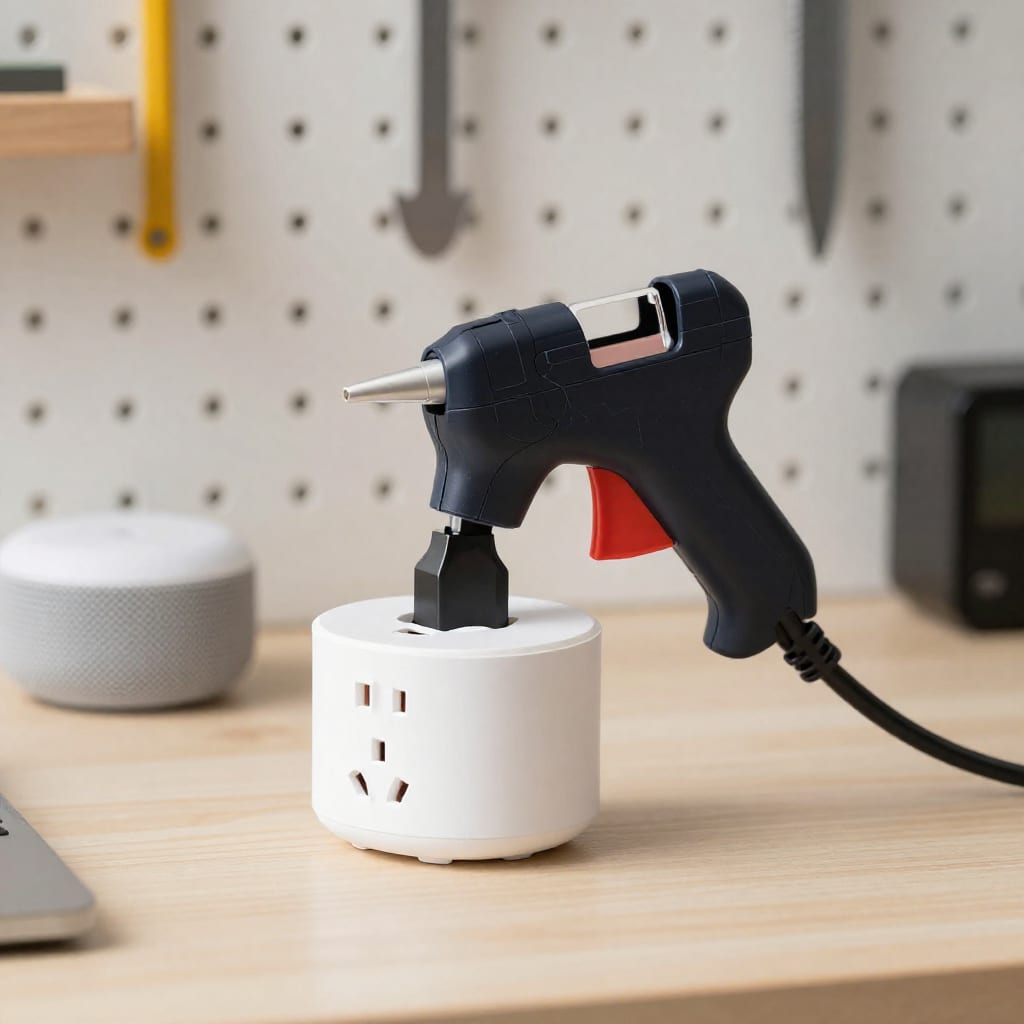
My biggest frustration before going smart was the rats’ nest of cords behind my workbench. I had a sewing machine, a heat gun, a soldering iron, a glue gun, and a lamp, all fighting for two outlets. Smart plugs solved it, but with caveats.
Safety First: Heat Tools and Timers
I use Kasa Smart Plugs (HS103) for low-wattage items like my glue gun and soldering iron. Each plug can handle up to 15A, which is more than enough for these tools. The critical feature is the timer: I set my glue gun to auto-off after 30 minutes of inactivity. If I forget to turn it off when I leave the room, the plug cuts power. For my heat gun (which pulls 1500W), I use a heavy-duty smart plug rated for 15A continuous—don’t skimp here. Check the wattage on your tools before buying; a typical 100W soldering iron is fine, but a 1800W heat gun needs a beefier plug.
Voice Control for Messy Hands
When I’m mid-project with clay on my fingers, I don’t want to touch a switch. I grouped all my bench outlets under one voice command: “Alexa, bench on” powers up the sewing machine and task lamp, while “bench off” kills everything except the light I need to walk out safely. I also added a smart power strip with individual outlets (TP-Link KP303) so I can control each tool separately from my phone.
Real example: Last week I left my soldering iron on for two hours after a session. The smart plug’s energy monitoring showed it was drawing power while I wasn’t there. I now have a routine that shuts off the iron’s plug if no motion is detected in the room for 15 minutes. That one automation probably saved my workbench from a burn mark—or worse.
Climate, Safety, and Air Quality: Protecting Your Materials
This is the section most hobbyists overlook until something goes wrong. I learned the hard way that a humid summer can ruin a stack of watercolor paper and make acrylic paint dry unevenly. Now I monitor three things: temperature, humidity, and VOCs (volatile organic compounds).
Humidity and Temperature Sensors
I placed a Govee Bluetooth Hygrometer near my storage shelves. It talks to my smart humidifier (Levoit LV600S, which works with Alexa). When humidity drops below 40%, a routine kicks the humidifier on. When it climbs above 60%, it turns off and alerts me to open a window. For clay and woodworkers, stable humidity (45-55%) prevents warping and cracking. For painters, dry air (below 35%) can make watercolors dry too fast and leave brush strokes.
Air Quality for Fumes and Dust
I have an AirThings Wave Plus sensor that tracks VOCs from paint, glue, and solvent fumes. It’s Wi-Fi enabled and triggers my smart plug on a Levoit Core 400S air purifier when VOC levels hit 100 ppb. The purifier runs until the sensor reads clean. This isn’t just comfort—many hobby materials off-gas formaldehyde or toluene, and long-term exposure is no joke. The EPA recommends keeping indoor VOC levels below 200 ppb; my setup catches it long before that.
Counter-intuitive insight: Most people think a big air purifier is enough. But without a sensor that reads VOCs specifically, you’re guessing. A HEPA filter catches dust but does nothing for fumes. Pair a VOC sensor with a carbon-filter purifier, and you’ll actually see the numbers drop.
Voice and Scene Control: One Command to Start Crafting
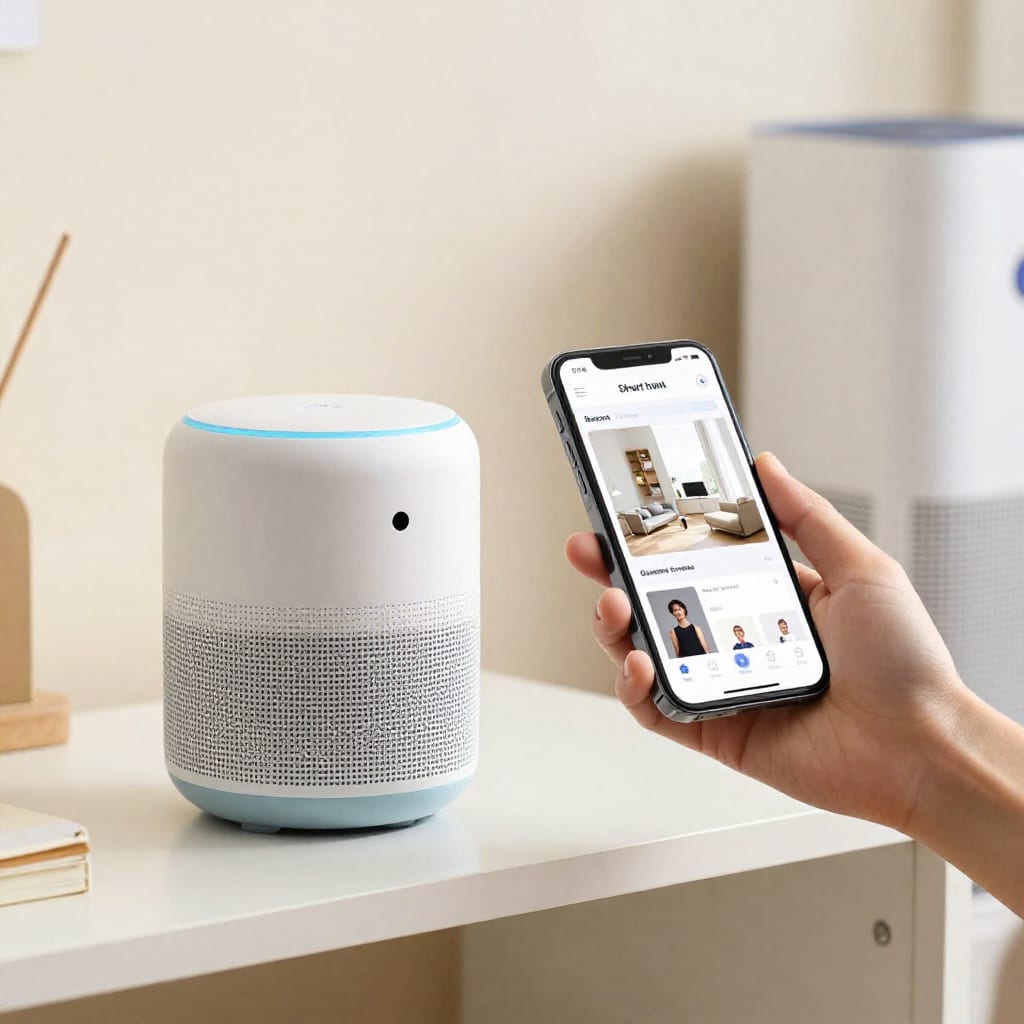
The magic happens when you tie all these pieces together into scenes. A scene is a group of devices that change state with one trigger—voice, time, or sensor. Here are three I use regularly.
Scene 1: “Start Sewing”
Voice command via Google Home. Overhead lights go to 5000K at 80%, task lamp to full, accent strip to a soft blue (easier on the eyes for white fabric). The smart plug for the sewing machine turns on. The air purifier kicks to medium. The ceiling fan starts on low for air circulation. Total time to set up: one spoken sentence.
Scene 2: “Clean Up”
This turns off all power to tools, sets overhead lights to 2700K at 30% (dim enough to relax), and starts a 15-minute timer on the air purifier at high. It also locks the door if it’s late—helpful when I’ve left paint out to dry overnight.
Scene 3: “Fume Alert”
Automated, not voice. When the AirThings sensor detects VOCs over 150 ppb, it triggers the purifier to max, turns on the exhaust fan (via smart switch), and sends a notification to my phone. If I’m in the room, I get a warning to open a window. This scene has caught me twice when I forgot to vent while spray-painting.
Cross-platform tip: Don’t lock yourself into one ecosystem. My lights are Hue (Zigbee), plugs are Kasa (Wi-Fi), and sensors are Govee (Bluetooth/Wi-Fi). They all talk to Google Home and Alexa, but for reliability, I use Hubitat as a local hub. That way, scenes still run even if my internet goes down. A hub isn’t mandatory, but it eliminates latency and keeps automations snappy.
One more thing: If you’re just starting, buy a single smart plug and one tunable bulb. Set up one routine. See if it changes how you work. I bet it will—and then you’ll know exactly what to add next.
FAQ
What's the most important smart device for a craft room?
Smart lighting, specifically tunable white bulbs, because color temperature affects accuracy and eye strain during detailed work.
Can I use a smart plug with my glue gun or soldering iron?
Yes, but check wattage limits (most handle up to 15A) and avoid using with high-heat tools unattended unless the plug has a timer or auto-off feature.
Do I need a separate smart hub for my hobby room?
Not necessarily—many devices work with Wi-Fi or Bluetooth, but a hub (like Hubitat or SmartThings) improves reliability and local control for sensors and scenes.
How can I automate air quality in my craft space?
Use a smart air quality sensor (e.g., AirThings) that triggers a smart plug on an air purifier when VOCs or particles exceed a threshold.
Is it worth adding a smart speaker to a small hobby room?
Yes—it enables hands-free control when your hands are messy or busy, and can play music or podcasts for inspiration.
Practical takeaway: Start with one tunable smart bulb and one smart plug. Set a voice routine for your most-used tool. You’ll immediately see the difference in comfort and safety—and that small win will tell you exactly what to upgrade next. Worth bookmarking before your next trip to the hardware store.